




The draft is not the page
Approved copy still has to be broken into fields, modules, metadata, links, and page structure before it becomes a customer experience.
Brief-to-Page Authoring
Gradial turns the briefs, copy documents, and Figma files your team already produces into structured, publish-ready pages in your content management system. Web and content operations teams keep editorial control without retyping every field by hand.
Approved copy still has to be broken into fields, modules, metadata, links, and page structure before it becomes a customer experience.
Design intent gets translated manually from Figma into the component library, creating more handoffs and more room for inconsistency.
Regional and product marketers can finish the source copy quickly, then wait behind a CMS production queue before the page is ready to review.
Gradial carries approved direction through the operational steps required to create a structured CMS draft, while keeping review and release authority with your team.
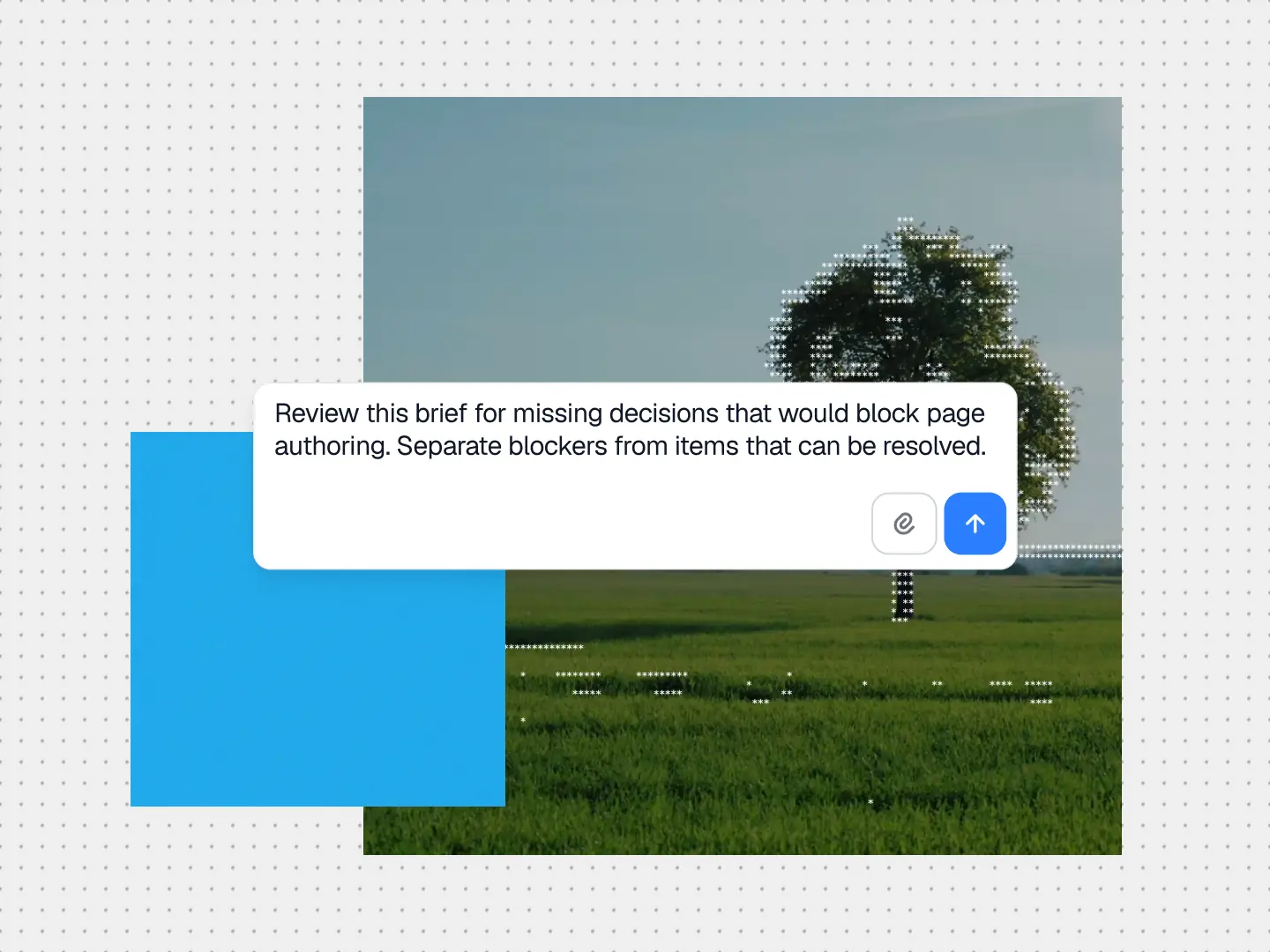
Start with the brief, copy document, SharePoint file, Figma design, ticket, or launch plan your team already uses. Gradial keeps the approved source and the requested outcome attached to the work.
Gradial maps headings, body copy, calls to action, proof, assets, metadata, and layout intent to the supported template, fields, and components in your CMS.
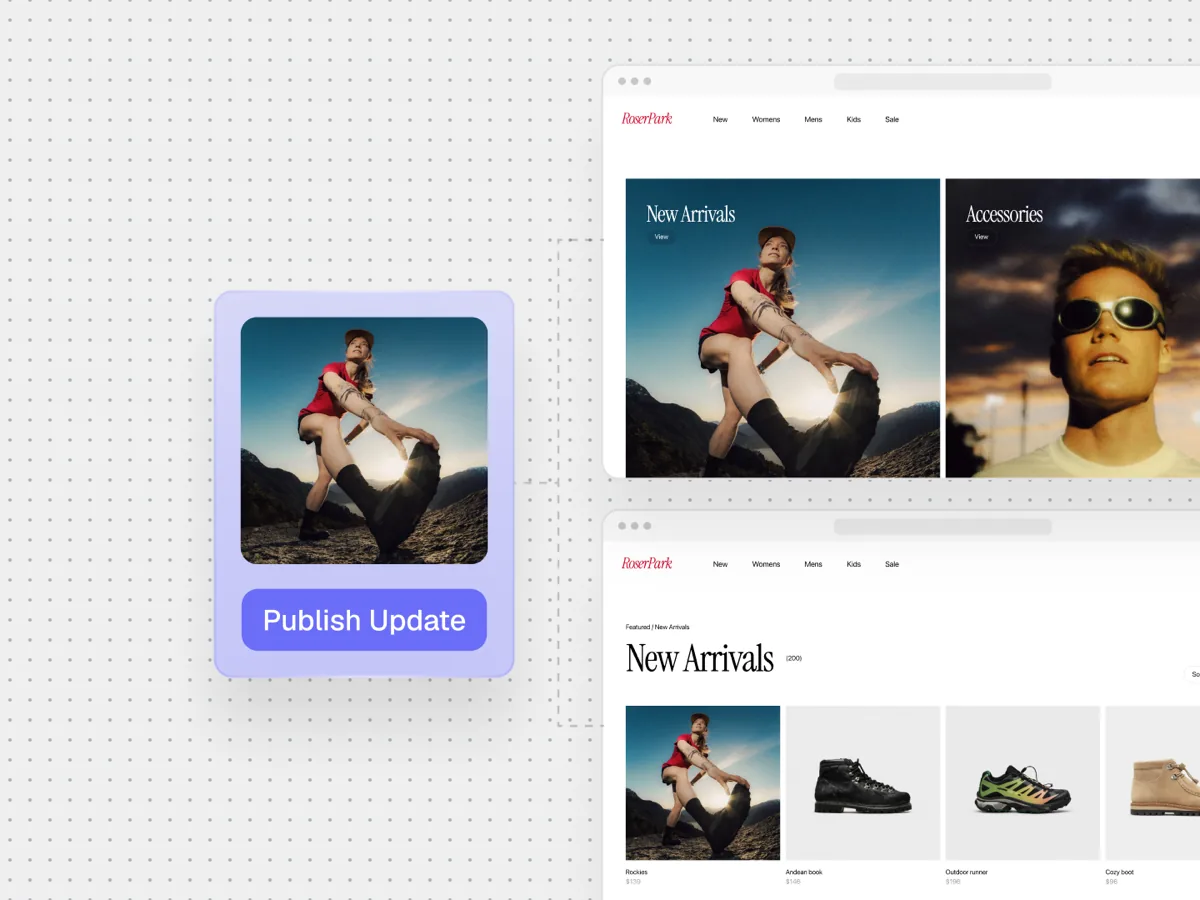
Gradial authors the page in the destination system, places approved content and assets, applies metadata, connects links, and preserves the route and page structure.
The page arrives as a structured draft in the normal review flow. Ambiguous mappings, unsupported layouts, and judgment calls are surfaced instead of silently guessed.
Gradial verifies the saved content and rendered experience. Approved changes move through the release process your organization configures, with activity and decisions recorded for traceability.
Move source documents into structured CMS drafts without spending the week transcribing content into fields.
Reduce the production queue for repeatable page builds while keeping content models, approvals, and evidence attached to the work.
Get approved campaign and product copy into a reviewable page sooner, without taking ownership of CMS assembly.
Gradial applies the same context and controls during assembly that your team uses during manual authoring. Draft creation remains separate from approval and release.

Gradial maps content to supported templates, components, fields, and references instead of inventing a one-off structure.
Product facts, customer proof, source copy, design direction, and workflow rules remain visible to the people reviewing the draft.
Your editors decide what advances. Draft authoring, approval, and publication remain separate actions with scoped authority.
The workflow records sources, actions, checks, exceptions, and decisions so teams can understand how the page was assembled.
Gradial connects source materials, design direction, content systems, asset libraries, and workflow tools so the page build happens inside the stack your team already runs.
AEM Sites & Assets
Contentful
Drupal
Sitecore
Figma
Word
SharePoint
Bynder
Jira
Gradial maps the page to the approved templates, components, fields, and references available in your CMS. If the requested experience does not fit the supported model, the workflow surfaces the conflict for a design or engineering decision.